
No more passwords: 23 million GOV.UK users can now sign in with a fingerprint
What happened
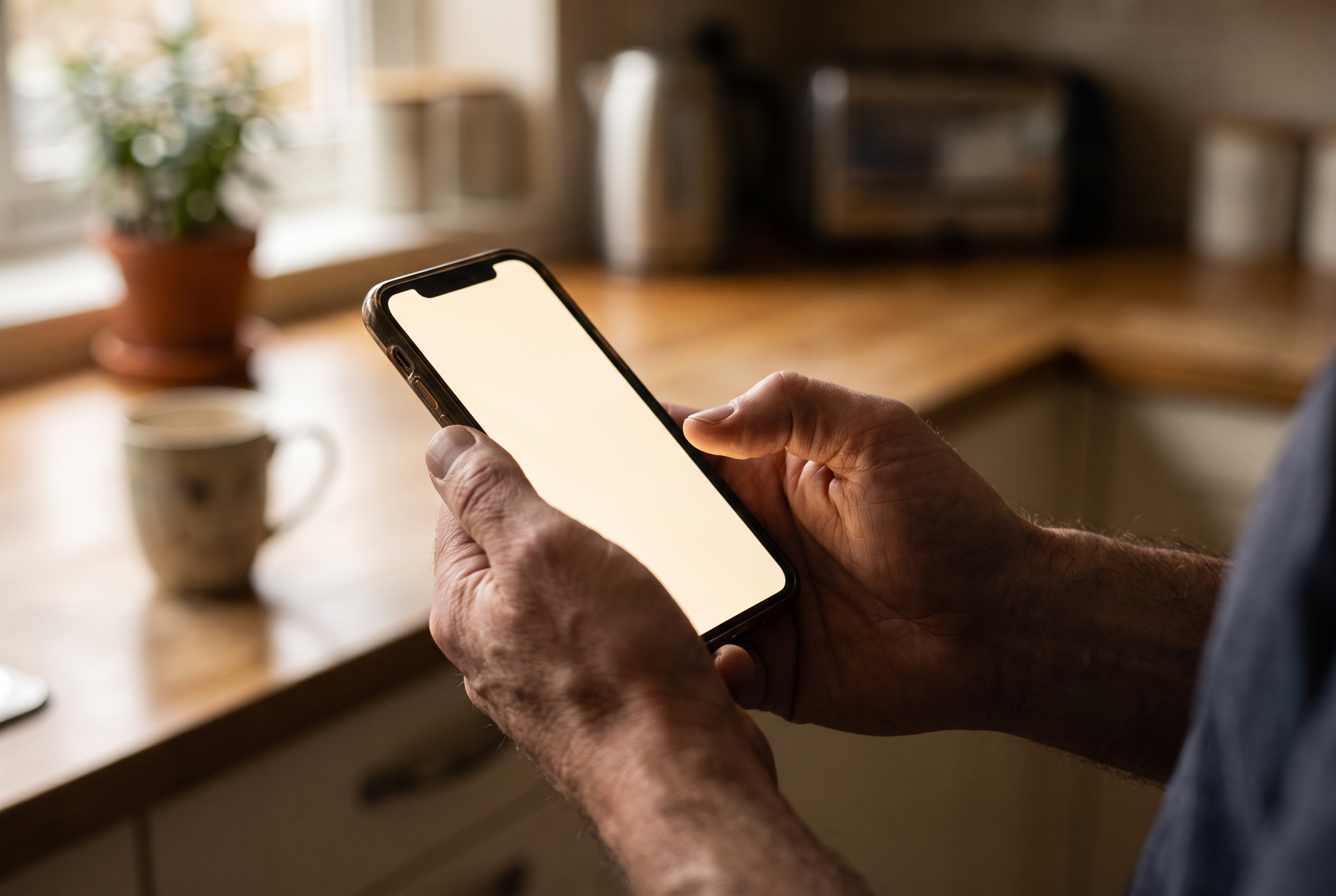
On 14 September 2026 the government announced that more than 23 million people can now sign in to GOV.UK services without a password. The change applies to GOV.UK One Login, the single account used for a growing number of government services. That includes checking your State Pension forecast, dealing with tax, and applying for help with childcare costs. Instead of typing a password and then waiting for a code to arrive by text message, you can now use what is called a passkey. In practice that means unlocking the service the same way you unlock your phone: a fingerprint, a face scan, or the PIN you already use. The announcement came from the Department for Digital, Culture, Media and Sport and the Government Digital Service. It follows a trial with more than 300,000 users. Nearly one in ten daily sign-ins to One Login are already being made with passkeys. The government says signing in this way is up to eight times faster than the old username, password and text code routine. It also says the switch is already saving close to £600 a day, simply because fewer verification texts need to be sent. Stephanie Peacock MP, the Digital Government Minister, said: 'Passkeys mean people can access the services they rely on in seconds, using fingerprint or face scan they already use to unlock their phone.'
Why this matters
Passwords are the weak point in almost everyone's online life. There are too many to remember, so people reuse them. When one website is hacked, the same password unlocks a dozen other accounts. Worse, passwords can be stolen by asking. That is what phishing is: a convincing fake email or text, a fake login page, and a password typed straight into a criminal's hands. In the UK, fraud is now the most commonly experienced crime. A passkey works differently. There is no shared secret to type in and therefore nothing to hand over by mistake. The proof of who you are is stored on your own device and checked using cryptography tied to the genuine website. A fake page cannot accept it, because it is not the real site. Jonathon Ellison, Director for National Resilience at the National Cyber Security Centre, put it this way: 'Passkeys offer a highly phishing-resistant alternative to passwords, frustrating attackers and saving the public time.' The NCSC is the government's own cyber security authority, and it has been recommending passkeys for some time. This is not a technology company pushing a product. It is the security experts and the service provider agreeing. The other reason it matters is scale. Big platforms have offered passkeys for a while, but most people never turned them on. Putting the option in front of 23 million people using a service they already need is how a security improvement actually reaches ordinary households.
What the evidence actually says
It is worth being clear about what a passkey is and is not, because the word 'biometric' worries people. Your fingerprint or face scan does not leave your phone. The government has confirmed that the biometric data stays on your device and is not stored by GOV.UK One Login. Your phone checks that it is you, and then your phone tells the website 'yes, this is the right person'. The website never sees your fingerprint. Passkeys are built on an open standard called FIDO2, developed by an industry body rather than any single company, and supported across Apple, Google and Microsoft devices. They are strongly resistant to phishing, which is the most common way accounts are stolen. They are not magic. If someone else can unlock your phone, for example because they know your PIN, they can use your passkeys. Device security still matters. And there is a practical wrinkle. A passkey lives on a device or in a password manager. If you lose the device, you need a way back in. This is why the change is optional. The government has been explicit that anyone who would rather keep using a password and a text code can carry on doing exactly that.
Qurexa perspective
This is not a health story, but it touches on something that comes up in our work more often than you might expect. A lot of people now order repeat prescriptions online, through the NHS App or a GP practice website, and have them delivered. That is convenient, and for people who find getting to a pharmacy difficult it can be the difference between taking a medicine and not taking it. It also means an online account now sits between some patients and their medicines. If that account is locked out, or taken over, or the password has been forgotten and the recovery email no longer works, the practical result is a person without their tablets. So the same advice we give about medicines applies here: sort it out before it becomes urgent, not after. If you use online services to manage prescriptions, make sure you can still get into them, and that someone you trust knows how to help if you cannot. And treat any text or email that asks you to 'confirm your NHS details' with deep suspicion. Neither the NHS nor we will ever ask for your password.
Practical advice
If you want to try a passkey, the process is short. Sign in to GOV.UK One Login the usual way, look for the option to create a passkey in your security settings, and follow the prompts on your phone or computer. It takes less than a minute. A few things worth doing at the same time. Set up a passkey on a device you actually keep. Your everyday phone is usually the right choice. If you set one up on a work laptop you may lose it when you change jobs. Keep a backup way in. Do not delete your password until you are confident the passkey works. Make sure the phone number and email address on the account are current. Protect the device itself. A passkey is only as safe as the PIN or fingerprint that unlocks your phone. If your PIN is 1234 or your birthday, change it. Remember that nobody legitimate asks for your passkey. There is no code to read out, no password to share. If someone phones claiming to be from the government or the NHS and asks you to confirm login details, hang up. If you would rather not use passkeys at all, that is a perfectly reasonable choice. Nothing is being taken away.
What to know
From 14 September 2026, more than 23 million GOV.UK One Login users can sign in with a fingerprint, face scan or device PIN instead of a password and a text code. The technology is called a passkey. Your biometric data stays on your device and is never sent to the government. Passkeys are strongly resistant to phishing, which is why the National Cyber Security Centre recommends them. The government says they are up to eight times faster than the old method and already save around £600 a day in text message costs. It is optional. Passwords and text codes still work for anyone who prefers them. If you use online accounts to order repeat prescriptions, it is worth checking now that you can still get in, and that your contact details are up to date. Sources: GOV.UK, 'Millions of people to benefit from simpler, more secure way to sign in to government services', Department for Digital, Culture, Media and Sport and Government Digital Service, 14 September 2026, https://www.gov.uk/government/news/millions-of-people-to-benefit-from-simpler-more-secure-way-to-sign-in-to-government-services. The Register, 'UK.gov begins killing off passwords for 23 million users', 14 September 2026, https://www.theregister.com/security/2026/09/14/ukgov-begins-killing-off-passwords-for-23-million-users/. PublicTechnology, 'GOV.UK One Login introduces biometric passkeys', 14 September 2026, https://www.publictechnology.net/2026/09/14/news/gov-uk-one-login-introduces-biometric-passkeys/. This article is for general information and does not replace advice from a doctor, pharmacist or other qualified healthcare professional. If you have concerns about accessing your prescriptions online, speak to your GP practice or pharmacy.
Related articles

620 light years apart, and due to collide: three black holes in one galaxy
Astronomers have found three supermassive black holes feeding at the same time inside a single galaxy in the very early universe. The galaxy is called J0148-42…
99.99% one at a time, 99.9% all five together: the gap researchers just closed
Researchers in Japan have solved a stubborn problem that has been holding back one promising route to a working quantum computer. The route is called silicon s…
Jupiter-sized, orbiting something that is not a star, and nobody can agree what to call it
Astronomers have reported strong evidence of a moon-like object orbiting something outside our Solar System. If it holds up, it would be the first natural satel…